
Introduction
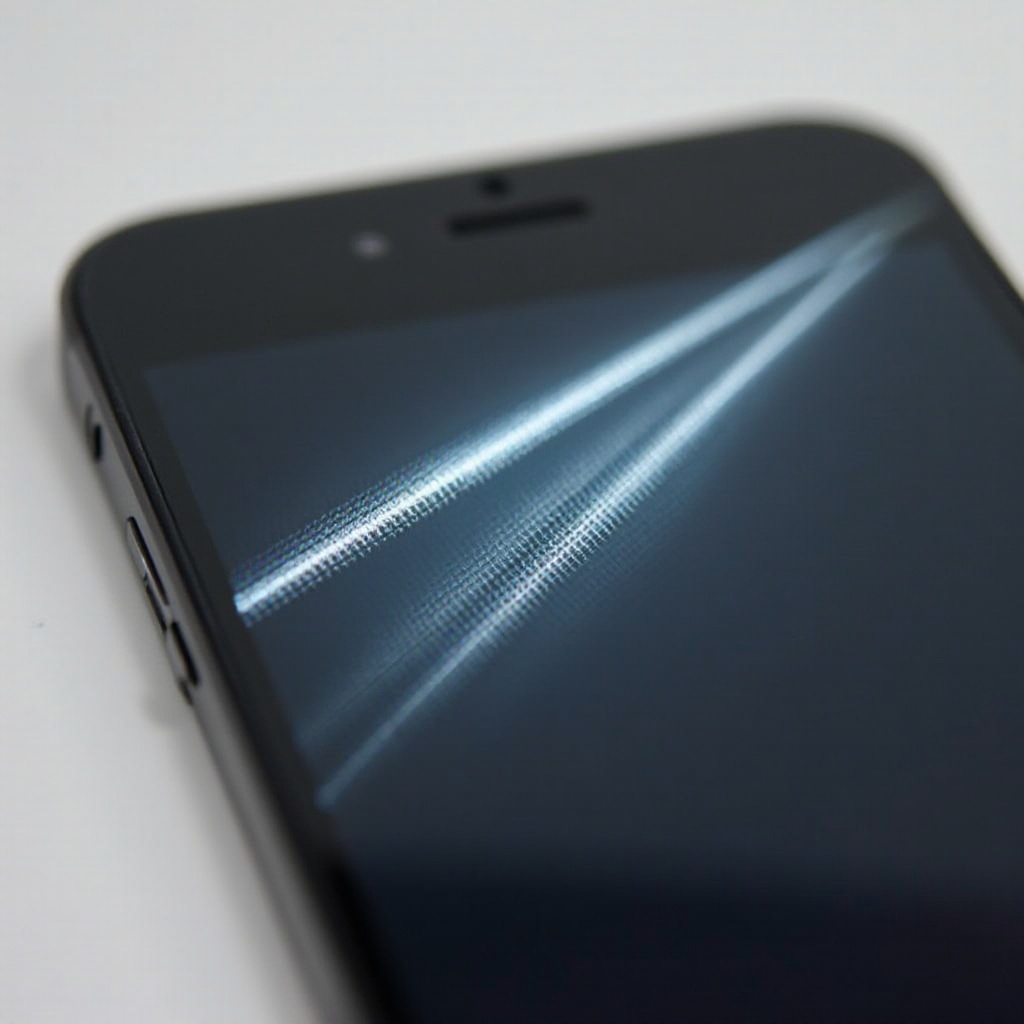
Encountering vertical lines on your iPhone screen is not only frustrating but also can indicate more serious underlying issues. Addressing these promptly ensures you maintain your device’s performance and appearance. In this guide, we’ll explore the potential causes and provide actionable solutions to help you fix the problem and keep your iPhone in top condition.

Common Causes of Vertical Lines on iPhone Screens
Identifying what causes the vertical lines on your phone screen is the first step toward finding the most effective solution. The causes typically fall into three main categories.
-
Software-related Issues: Often, these issues manifest after an iOS update or a new app installation that conflicts with your current system settings. Such conflicts can create display glitches, including vertical lines.
-
Hardware Malfunctions: Physical impacts or gradual wear and tear can disrupt vital internal connections. This could happen if the phone is dropped or bent, causing vertical lines to appear on the screen.
-
Manufacturing Defects: On rare occasions, manufacturing defects may be to blame. If your phone shows screen issues straight out of the box or soon after purchase, a defect might be present.
How to Identify the Problem
Before applying any fixes, it is crucial to determine whether the issue stems from software or hardware. Here are some steps to help identify the problem:
- Restart your iPhone: If the lines disappear after a restart, the problem may be temporary.
- Perform a Soft Reset: This helps clear temporary caches that might cause display issues.
- Inspect for Physical Damage: Look for visible signs like dents or cracks that might indicate underlying hardware issues.
Software Solutions for Vertical Lines
If you suspect a software issue, there are several solutions you can try to clear the lines effectively.
-
Restart Your iPhone: Often, a simple restart can resolve temporary issues. Hold the power button, slide to power off, then restart your phone.
-
Update iOS Software: Outdated software might cause display errors. Check for updates by navigating to Settings > General > Software Update and install any available updates.
-
Perform a Factory Reset: This should be your last software-based resort to fix persistent problems. Ensure you back up your data, then go to Settings > General > Reset > Erase All Content and Settings.

Hardware Solutions for Vertical Lines
If the problem persists beyond software solutions, you might have a hardware issue. This often requires a bit more care and precision.
-
Check for Physical Damage: A careful inspection can reveal issues like cracks or dents that could affect the display.
-
Inspect the iPhone’s Internal Connections: If you are confident, you can open your iPhone to check for any loose or dislodged cables within. Proceed with caution.
-
Consider Professional Repair Services: If none of the above solutions work, it’s probably time to consult professionals. Authorized service providers or Apple itself can address complex hardware issues effectively.
Preventive Measures to Avoid Screen Issues
Preventing the reappearance of vertical lines is always better than dealing with them after they arise. Here are some preventive measures you can take:
-
Use Protective Cases and Screen Guards: These accessories provide crucial protection against physical damage that might cause display problems.
-
Practice Proper Device Handling: Simple measures such as not dropping your iPhone or keeping it away from moisture can make a significant difference.
Conclusion
Vertical lines on your iPhone screen can be a significant sign of technical issues. Whether the issue is software or hardware-related, addressing it quickly will ensure your device continues to function correctly. Use the steps and solutions provided here to try and fix the issue yourself, or consult with a professional if necessary, and keep your device well-protected to prevent future occurrences.
Frequently Asked Questions
Why do vertical lines appear on my iPhone screen?
Vertical lines can be due to software glitches, hardware damage, or manufacturing defects.
Can a software update fix screen lines?
Yes, a software update can solve the problem if it’s related to software issues or glitches.
How much does it cost to repair vertical lines on an iPhone screen?
Costs vary by location, damage extent, and warranty status. Consult Apple or an authorized service provider for accurate quotes.