
Introduction
iPhones, known for their reliability and innovation, occasionally encounter hardware problems that can disrupt daily usage. Identifying and resolving these issues promptly is crucial for maintaining your device’s performance. This comprehensive guide will identify common iPhone hardware issues and provide actionable solutions to help keep your device in top shape.
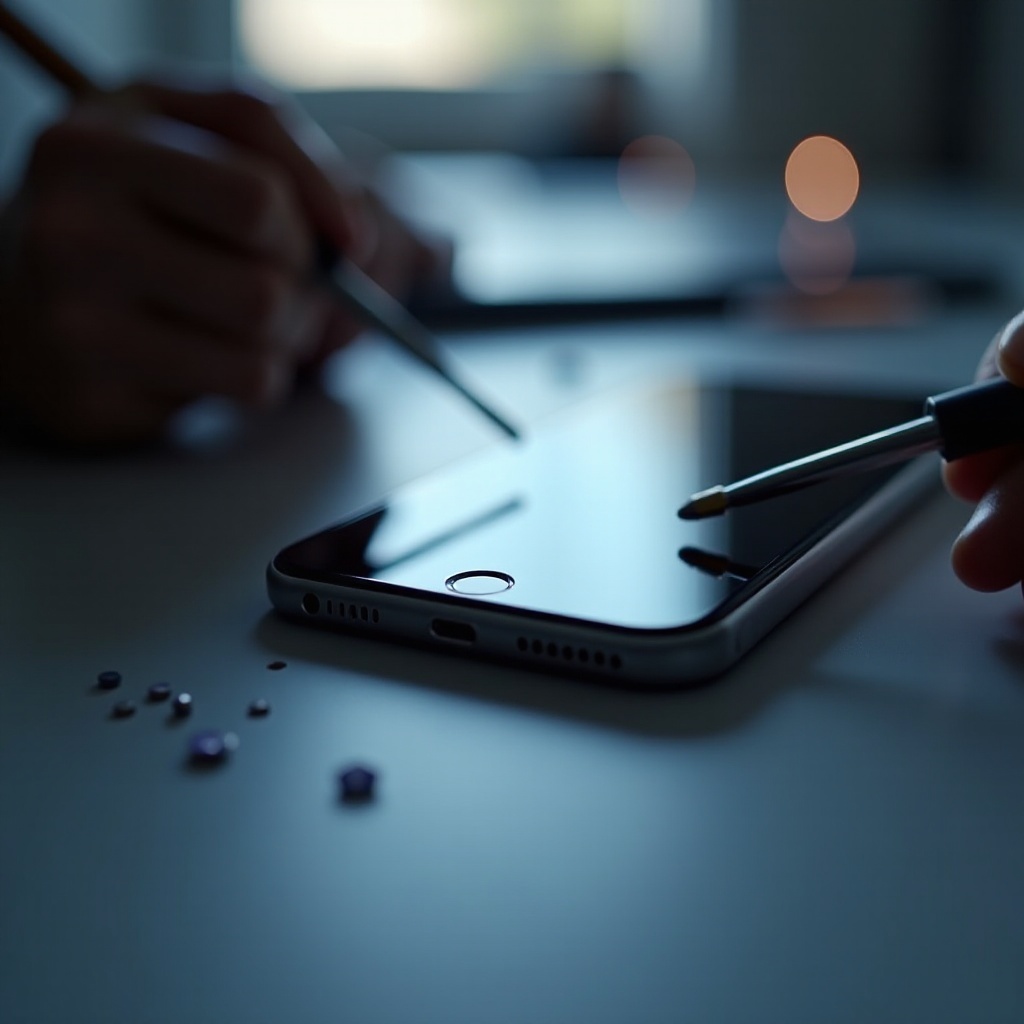
Common iPhone Hardware Problems
Battery Drain Issues
One of the most common complaints among iPhone users is battery drain. Recognizing these symptoms early can help manage battery health effectively.
- Symptoms: Frequent charging and short battery life.
- Causes: Background apps, high screen brightness, and software glitches can all contribute to rapid battery drain.
- Solutions:
- Lower screen brightness and enable auto-brightness.
- Update to the latest iOS version.
- Disable background app refresh for non-essential applications.
- If issues remain, consider replacing the battery.
Maintaining a healthy battery is essential as it affects other functionalities, including overheating, which is another prevalent issue.
Overheating Concerns
Overheating can have several detrimental effects such as affecting device performance and, if left unchecked, causing long-term damage.
- Causes: Intensive usage, charging, or environmental factors can cause overheating.
- Prevention:
- Keep your iPhone out of direct sunlight.
- Remove thick cases while charging to allow heat dissipation.
- Limit processor-intensive activities like gaming.
An overheated device can lead to touchscreen problems, transitioning us into the next issue.
Touchscreen Malfunctions
Experiencing issues with the touchscreen can be frustrating. Here’s how to address it:
- Symptoms: Unresponsive or erratic touch inputs.
- Solutions:
- Perform a hard restart to reset the software.
- Clean the screen with a soft, lint-free cloth.
- Remove cases or screen protectors that might affect touch sensitivity.
- Ensure you have the latest software update.
Resolving touchscreen malfunctions helps guarantee a smooth user experience. Next, we’ll address connectivity and audio problems that often accompany touchscreen issues.
Connectivity and Audio Problems
Wi-Fi and Bluetooth Issues
Connectivity issues can significantly hinder your iPhone experience. Here’s how to troubleshoot:
- Solutions:
- Toggle Wi-Fi and Bluetooth off and back on.
- Forget and rejoin Wi-Fi networks.
- Reset network settings if the above doesn’t help (Settings > General > Reset > Reset Network Settings).
Reliable connectivity lays the groundwork for clear audio performance, bringing us to the next common issue.
Speaker and Microphone Problems
Ensuring your speakers and microphone work properly is crucial for a seamless user experience:
- Solutions:
- Check volume levels and sound settings.
- Remove debris from speaker and microphone openings.
- Test audio using different apps to rule out application-specific problems.
- Seek professional assistance if issues persist.
Addressing audio problems ensures enjoyment of media and enhances communication abilities, closely linked to camera and display functioning.
Camera and Display Issues
Blurry or Non-Responsive Camera
A malfunctioning camera can be a significant inconvenience. Here’s how to resolve these issues:
- Solutions:
- Clean the camera lens with a microfiber cloth.
- Restart the iPhone if the camera app is unresponsive.
- Ensure other apps are not using the camera simultaneously.
Clear visuals are crucial for capturing moments. Addressing display issues further ensures your device functions optimally.
Display Flickering or Black Screen
Problems with your iPhone’s display can range from flickering to a completely black screen:
- Solutions:
- Adjust brightness and switch off auto-brightness as needed.
- Force restart the device (press and quickly release the Volume Up button, then the Volume Down button, then press and hold the Side button).
- Back up data and perform a factory reset if the problem is persistent.
Dealing with display problems ensures a better user experience and device reliability.

Conclusion
Promptly addressing iPhone hardware issues can prevent further complications and extend the device’s lifespan. While some problems allow for easy home fixes, others may require professional repair services. Ensuring regular software updates and proper maintenance will keep your iPhone running smoothly.
Frequently Asked Questions
What should I do if my iPhone is overheating?
To prevent overheating, avoid direct sunlight, use energy-intensive apps moderately, and remove thick cases while charging.
How can I fix my iPhone’s battery drain issue?
Reduce screen brightness, disable unnecessary background apps, and update to the latest iOS version. If issues persist, consider battery replacement.
When should I seek professional repair for iPhone hardware problems?
Seek professional help if DIY solutions fail, if symptoms worsen, or in cases of severe damage such as cracked screens or water damage.