
Introduction
Nest Thermostats are pivotal to modern smart home comfort. However, when these devices malfunction, they can disrupt your home’s efficiency. Knowing how to troubleshoot effectively is crucial to maintaining your system’s seamless operation. This guide provides insights into common issues and solutions, enhancing your smart home experience.
Common Nest Thermostat Issues
Among Nest Thermostat users, connectivity issues frequently arise. A stable internet connection is essential for optimal performance, but other problems like inaccurate temperature readings or power issues can also occur. Understanding these problems helps in addressing them efficiently.
Moving on from recognizing the issues, let’s explore basic troubleshooting steps to help resolve these common problems.
Basic Troubleshooting Steps
Begin with these foundational troubleshooting methods to fix everyday Nest Thermostat issues:
- Reconnecting to Wi-Fi: Verify internet access on other devices. Restart your router if needed and ensure the thermostat connects by checking Settings > Network.
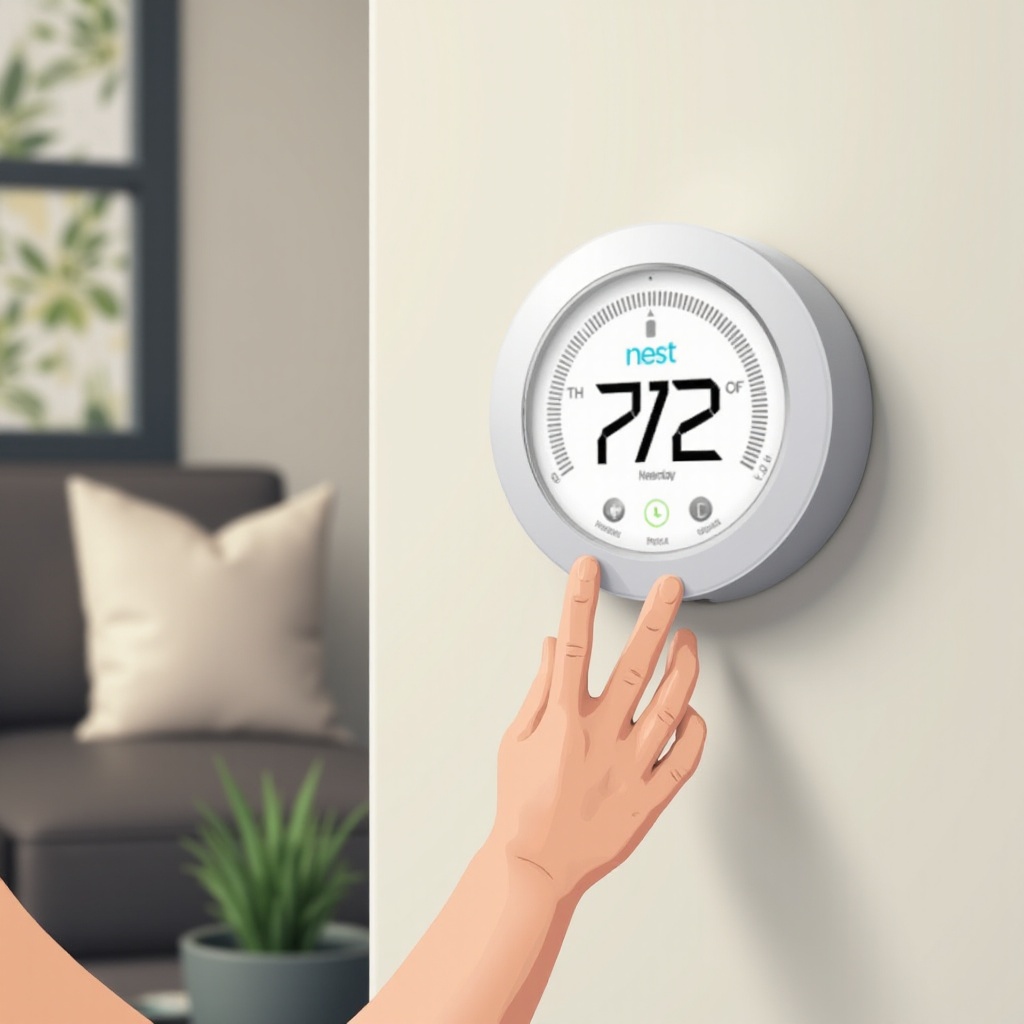
- Restarting the Thermostat: Press and hold the thermostat ring until the screen shuts off and reboots (approximately 10 seconds).
- Checking Power Supply: Confirm your HVAC system’s power is on. Inspect wiring or consult a professional for suspected power issues.
If these basic steps don’t resolve your issues, more advanced troubleshooting may be necessary. Let’s delve into those next.
Advanced Troubleshooting Techniques
Persistent issues might require advanced techniques. These methods can help you tackle stubborn problems:
- Resetting to Factory Settings: Navigate to Settings > Reset > All Settings to revert to defaults, then re-enter setup details.
- Updating Firmware: Ensure your Nest is connected to Wi-Fi. While it generally updates automatically, it’s good to verify under Settings > Software.
- Dealing with Error Codes: Use Nest’s support page for help in decoding error messages, following specific solutions for each code.
Maintaining your thermostat isn’t just about fixing issues—preventative measures are key. Let’s look at how you can prevent future problems.
Preventative Maintenance Tips
Regular maintenance ensures your Nest Thermostat operates efficiently long-term:
- Regular Software Updates: Keep your device’s software current to enjoy optimal performance.
- Seasonal Maintenance Checks: Perform checks on thermostat settings and your HVAC system before each season change.
- Enhancing Security Measures: Protect against cyber threats by using strong Wi-Fi passwords and securing your network.
Consistent upkeep not only prevents issues but also ensures optimal home comfort and efficiency.
Conclusion
Regular troubleshooting and maintenance of your Nest Thermostat can significantly enhance your home’s comfort and efficiency. By following this guide, you can resolve common issues swiftly and ensure your device works optimally, supporting a smoother smart home experience.
Frequently Asked Questions
How do I know if my Nest Thermostat needs troubleshooting?
Look for unresponsive controls, error codes, or temperatures not matching the settings.
What should I do if my Nest Thermostat is not responding?
Try a restart first. If that fails, check for power supply issues or perform a factory reset.
How can I prevent future issues with my Nest Thermostat?
Keep software updated, do regular maintenance checks, and secure your device against cyber threats.