
Introduction
The sight of your LG TV not powering on, combined with a red light blinking twice, can be daunting. Such signals often suggest that something inside the television demands immediate attention. Instead of panicking, it’s crucial to understand what this blinking pattern means. By doing so, you might be able to troubleshoot and fix the issue by yourself, without resorting to professional repair. This comprehensive guide will take you through step-by-step solutions to potentially restore your TV’s functionality.
Understanding the Red Blinking Light Issue
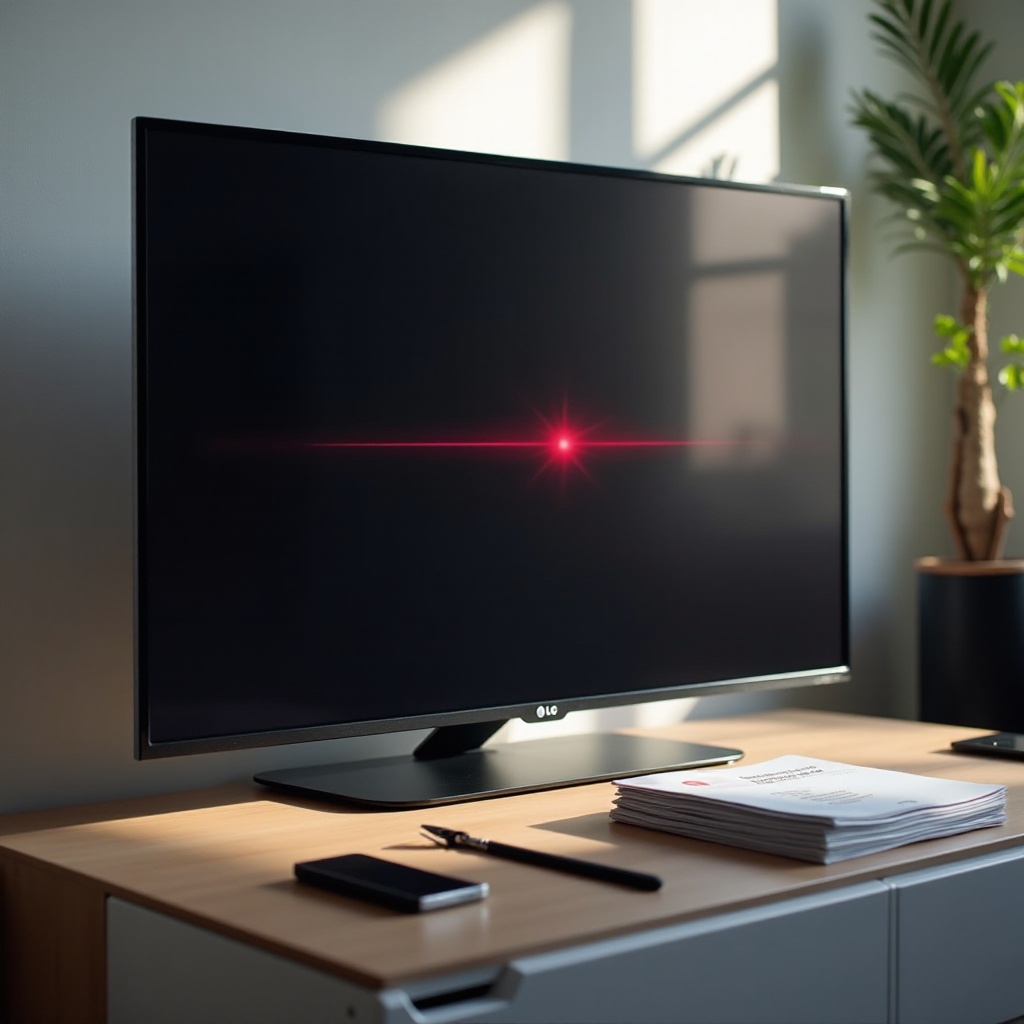
The red light blinking twice on your LG TV acts as a diagnostic cue indicating there might be a problem that needs to be addressed. This feature is intended to help pinpoint potential issues rather than causing distress.
Common Causes of the Red Light Blinking Twice
Several potential problems could trigger your TV’s red light to blink twice. These might include power supply disruptions, internal hardware malfunctions, or outdated software needing updates. Pinpointing these causes is the first step in troubleshooting effectively.
Importance of Diagnosing the Issue Early
Addressing the blinking light issue early can prevent more severe damage and save you from costly repairs. Recognizing the issue promptly lets you undertake corrective actions, resolving minor problems before they evolve into significant concerns.
Basic Troubleshooting Steps
After identifying the two-blink pattern, you can begin by following some fundamental troubleshooting steps. These initial measures are straightforward and often resolve the most common of issues.
Ensure Proper Power Connection
Start by examining the power connections:
– Make sure the TV is firmly plugged into the power outlet.
– Test the power strip or surge protector for any faults.
– Plug the TV directly into a wall socket to ensure the issue isn’t with the power strip.
Checking the Remote Control
The problem might sometimes lie with the remote rather than the TV:
– Replace the batteries in your remote.
– Test each button to confirm it’s not jammed or unresponsive.
– If possible, use a different remote to rule out defects with the original one.
Trying a Different Power Outlet
The power outlet itself could be malfunctioning:
– Connect another appliance to the same outlet to verify its condition.
– Use a different outlet to see if the TV powers on elsewhere.
Inspecting the Power Cable
Faulty power cables can lead to connectivity issues:
– Look for any signs of wear, loose connections, or damage along the cable.
– If needed, replace the cable to maintain a consistent power supply.
Performing a Simple Power Reset
A power reset can often clear up minor glitches:
1. Unplug the TV from its power source.
2. Wait at least 60 seconds before reconnecting.
3. Plug the TV back in and try turning it on using the built-in power button.
Intermediate Troubleshooting Techniques
If the basic steps don’t solve the issue, it’s time to try some intermediate techniques. These methods may require a bit more technical involvement yet remain achievable.
Evaluate HDMI and Other Connections
Problems with inputs might lead to the TV not turning on:
– Verify that all HDMI and AV cables are securely connected.
– Replace any damaged cables and check connections by using different input sources.
Power Cycling the LG TV
Power cycling can help reset internal systems:
1. Disconnect the TV’s power cable.
2. Press and hold the TV’s power button (not the remote’s) for about 30 seconds.
3. Plug the power cable back in and try turning on the TV.
Confirm the Correct Input Source
Sometimes the issue is merely an improper input setting:
– Use the remote to cycle through the TV’s input options.
– Ensure that the input source matches the connected device, such as HDMI 1 or HDMI 2.
Checking for Software Updates
Keeping the TV’s software up-to-date is essential for optimal performance:
– Access the settings menu on the TV.
– Select ‘Software Update’ and follow prompts if any updates are available to download and install.
Advanced Troubleshooting and Professional Repair
Should basic and intermediate troubleshooting fail, the problem may lie within the TV’s internal systems, necessitating advanced measures or professional intervention.
When to Consider a Hard Reset
A hard reset could resolve more persistent issues:
1. Navigate to the ‘Settings’ menu.
2. Opt for a ‘Factory Reset’, but keep in mind this will erase personalized settings.
3. Reconfigure your TV following the reset.
Identifying Hardware Issues
If there’s possible internal damage or nothing has worked, hardware issues might be to blame:
– Examine for visible signs of damage, such as burns or cracking.
– Listen for unusual sounds suggesting internal problems.
Contacting LG Customer Support
If all else fails, professional help is likely needed:
– Reach out to LG Customer Support for expert guidance.
– Be ready to describe the issue, including solutions tried, to facilitate quicker assistance.
Conclusion
Dealing with an LG TV not turning on while the red light blinks twice requires patience and a systematic evaluation. Many causes are readily resolvable by following the outlined steps, yet sometimes professional assistance may be necessary. Maintaining your TV through regular software updates and vigilant monitoring can substantially lower the risk of future issues.
Frequently Asked Questions
What should I do if my LG TV still doesn’t turn on after troubleshooting?
If your LG TV remains unresponsive, contact a professional technician or LG customer support for further assistance or to arrange a service appointment.
How can I prevent future power issues with my LG TV?
Regularly maintain your TV by updating its software, ensuring secure connections, and using surge protectors to guard against power fluctuations.
Is a professional repair necessary if my LG TV is relatively new?
If basic troubleshooting doesn’t resolve the issue and your TV is under warranty, a professional repair might be necessary to avoid voiding the warranty.